20 Jul 2026 · wordpress
Sidebar Colors: visual organization for the WordPress block editor
I built Sidebar Colors, a small WordPress plugin that helps organize blocks and editorial work directly in the editor.
It adds a color palette to each block’s options menu. Pick a color and it appears on the block’s icon in List View, making long pages much easier to scan.
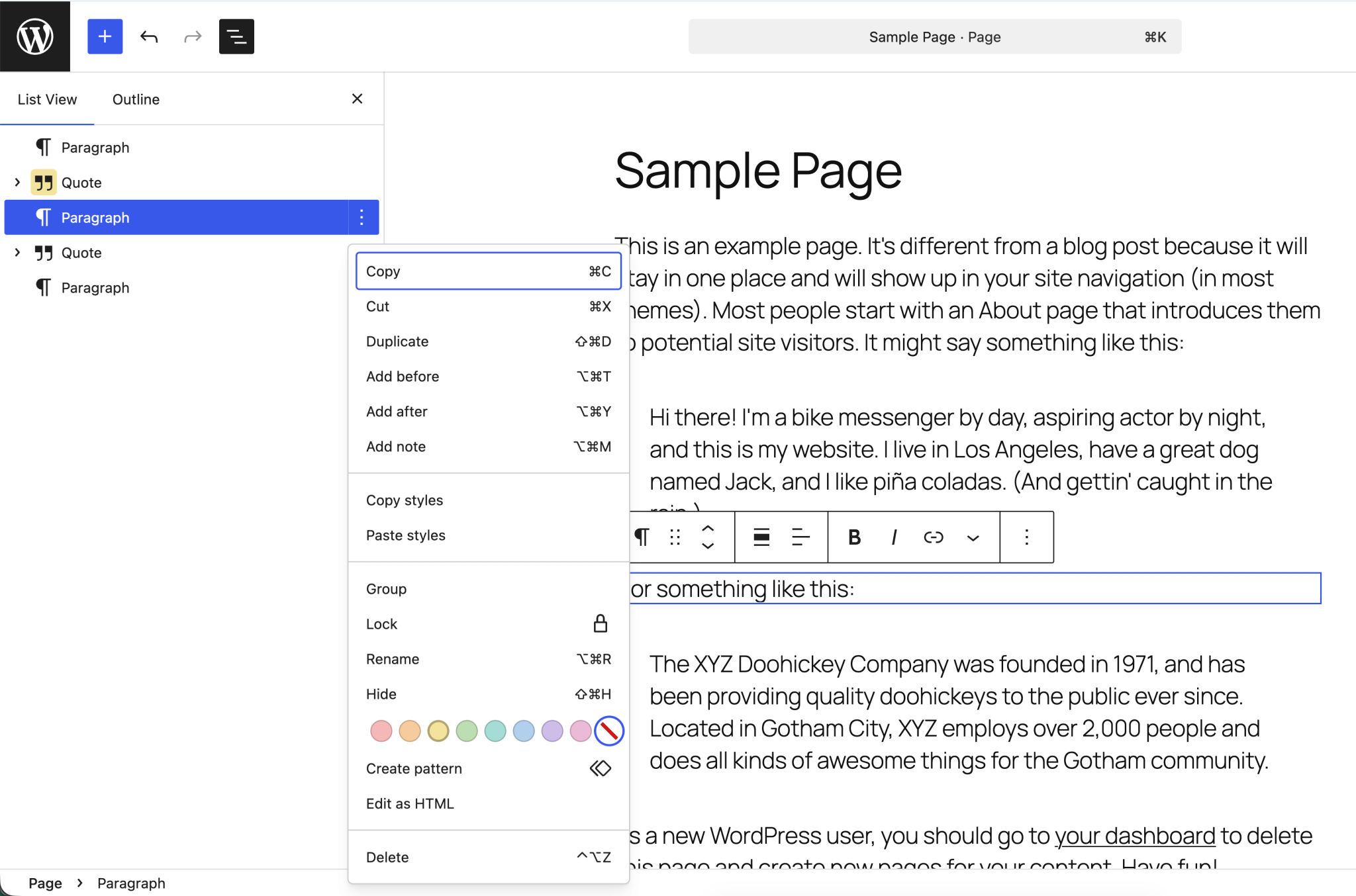
The colors are editorial metadata only. They are saved with the content, but they do not add styles or otherwise change the published page.
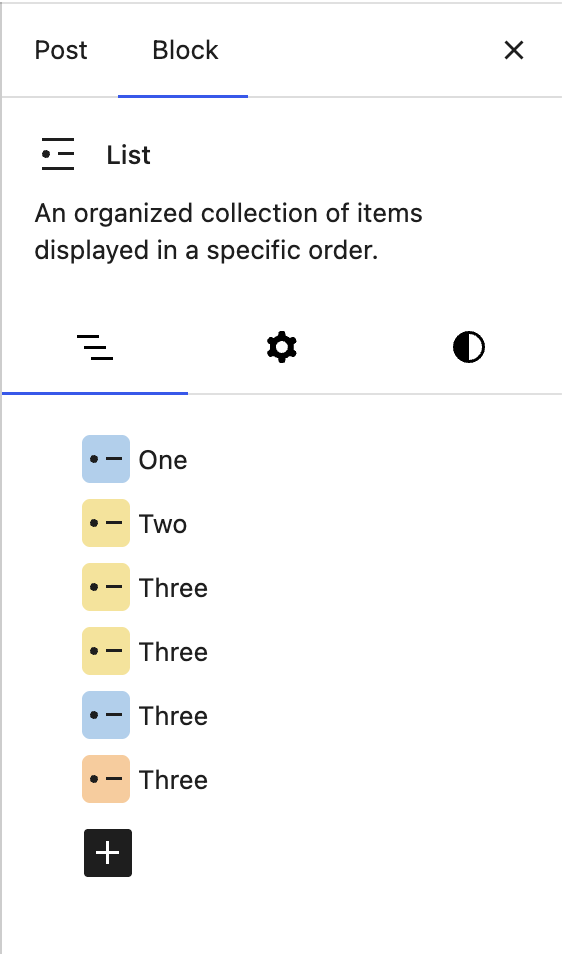
Organize nested sections
Colors flow down through nested blocks. For example, adding a color to a Group, Cover, or Columns block marks the entire section in List View. A child block can still have its own color when it needs to stand out.
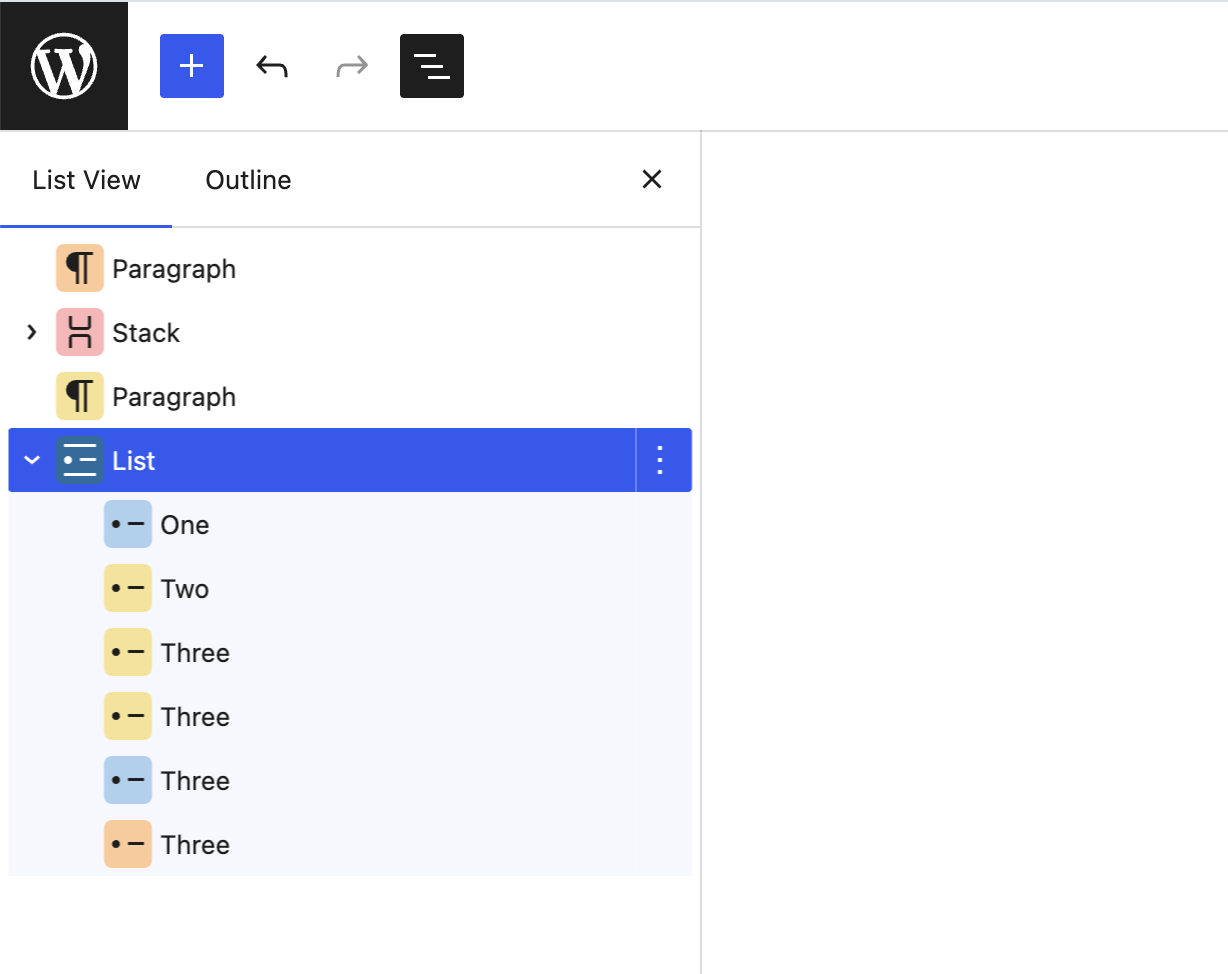
This makes it possible to see a page’s structure without adding labels or changing its content.
A few ways to use it
- Mark work in progress in orange and completed blocks in green.
- Flag copy that needs review, approval, links, images, or accessibility checks.
- Give large page sections different colors so they are easier to find.
- Identify sections owned by different authors or teams.
- Keep editorial notes out of the visible page.
Install Sidebar Colors
Sidebar Colors requires WordPress 6.7 or newer and PHP 8.2 or newer.
- Download the installable ZIP from the latest release.
- In WordPress, open Plugins > Add New Plugin > Upload Plugin.
- Upload the ZIP, install it, and activate the plugin.
- Open the block editor and use the swatches at the bottom of any block’s options menu.
Use the ZIP attached to the release rather than GitHub’s automatically generated source archives.
Customize the palette
Themes can replace the default colors through theme.json:
{
  "settings": {
    "custom": {
      "sidebarColors": {
        "colors": ["#d63638", "#3858e9"]
      }
    }
  }
}
The custom array replaces the default palette completely. Both three- and six-digit hexadecimal colors are supported.
Built with AI
100% of the plugin’s code was AI-generated using GPT-5.6.
Sidebar Colors is open source under the GPL. You can download version 0.1.0 or browse the code on GitHub.